概要
LLMに関するツールについて、備忘録です。
LangChain
以下のように説明されていました。
LangChain is a composable framework to build with LLMs. LangGraph is the orchestration framework for controllable agentic workflows.
LlamaIndex
https://docs.llamaindex.ai/en/stable/
以下のように説明されていました。
LlamaIndex is a framework for building context-augmented generative AI applications with LLMs including agents and workflows.
LangChain と LlamaIndex
gpt-4oの回答は以下でした。
LangChainとLlamaIndexはどちらも、LLMs(大規模言語モデル)を利用したアプリケーション開発を支援するフレームワーク
簡単に調べてみたところ、RAG(Retrieval-Augmented Generation)を行う際には、LlamaIndexがより簡単に使用できるようでした。
Ollama
https://github.com/ollama/ollama
以下のように説明されていました。
Get up and running with Llama 3.2, Mistral, Gemma 2, and other large language models.
ローカル環境でLLMを実行するためのツールのようでした。
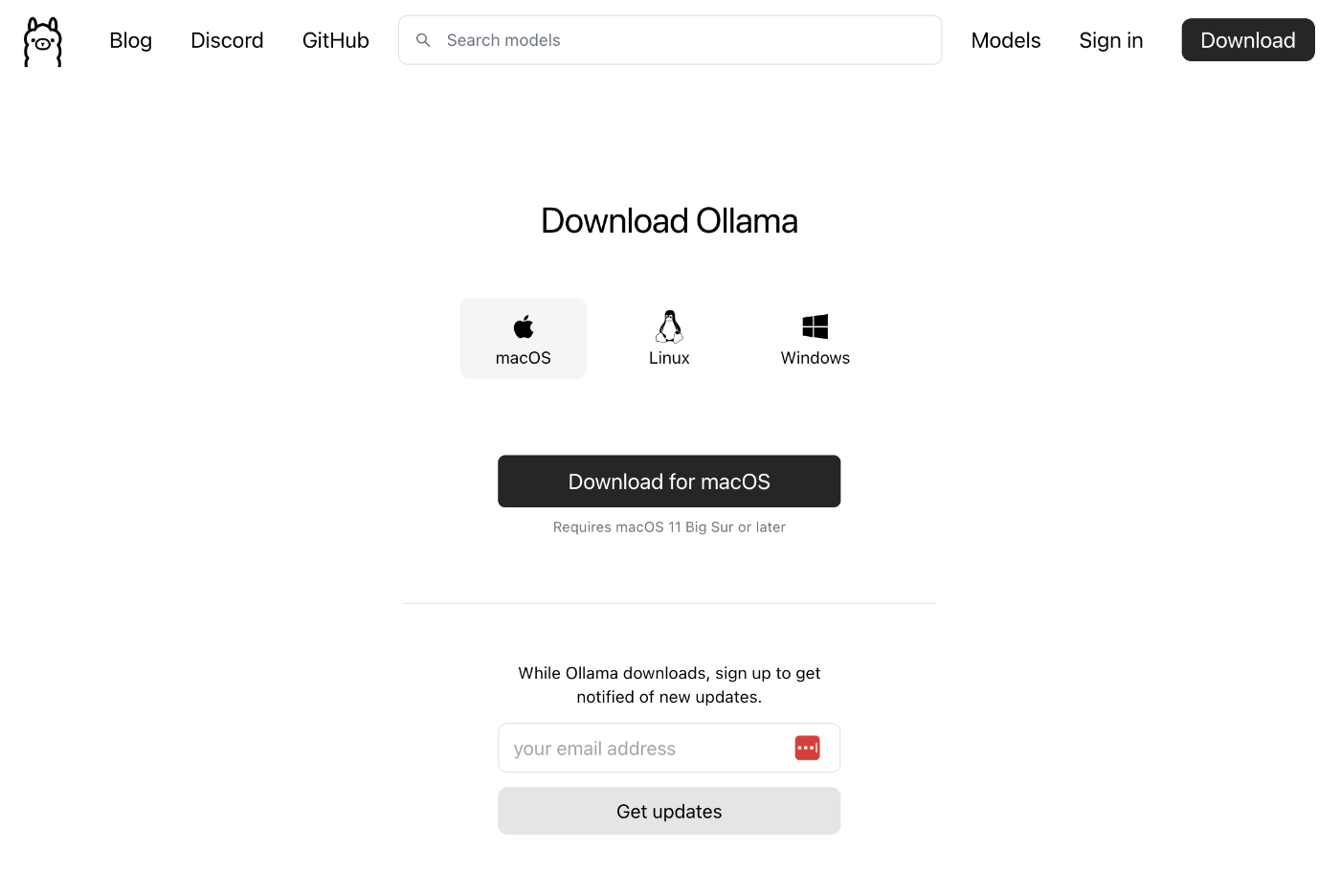
以下のページからダウンロードします。
アプリの起動後、以下のようなコマンドから使用することができました。
また、LlamaIndexと組み合わせて、PythonからOllamaを使用することもできました。
https://docs.llamaindex.ai/en/stable/api_reference/llms/ollama/
OpenRouter
https://openrouter.ai/docs/quick-start
以下のように説明されていました。
OpenRouter provides an OpenAI-compatible completion API to 278 models & providers that you can call directly, or using the OpenAI SDK. Additionally, some third-party SDKs are available.
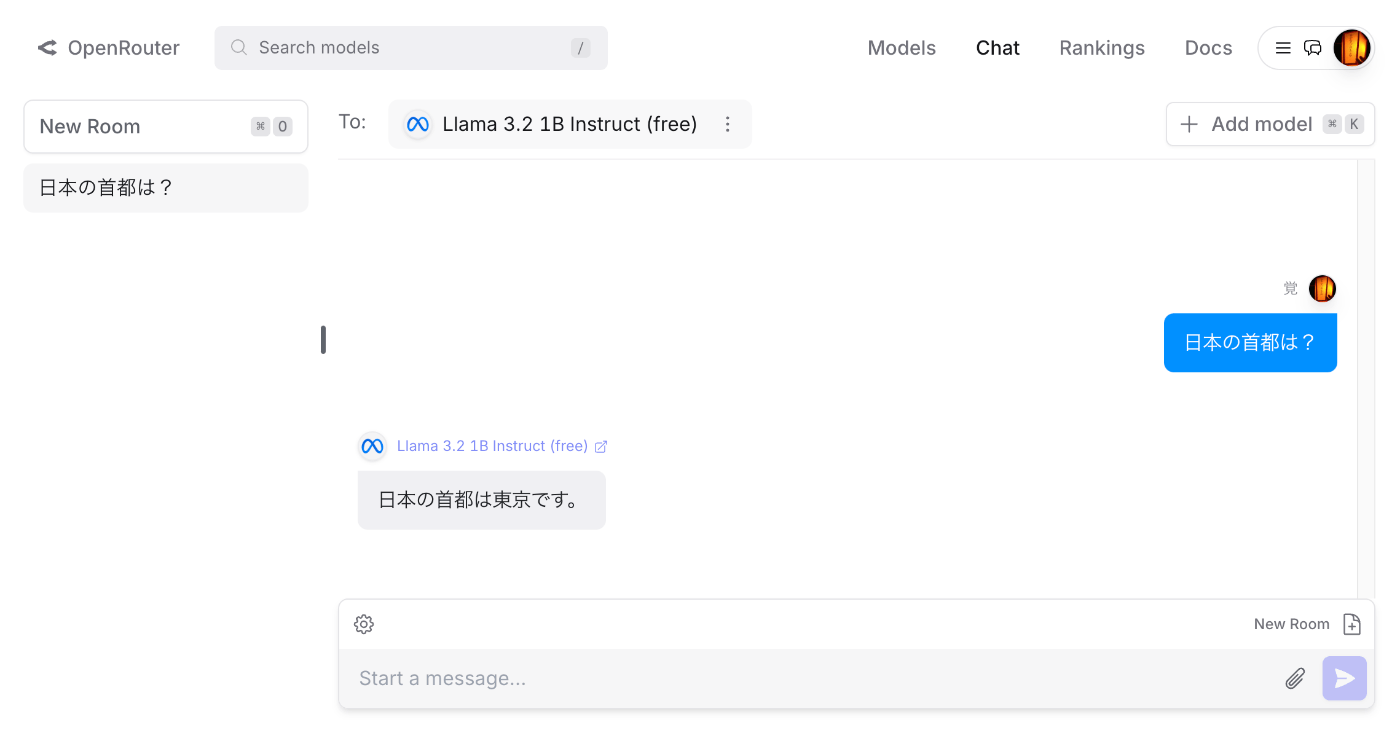
アカウント登録後、モデルを選択して、チャットなどを試すことができました。
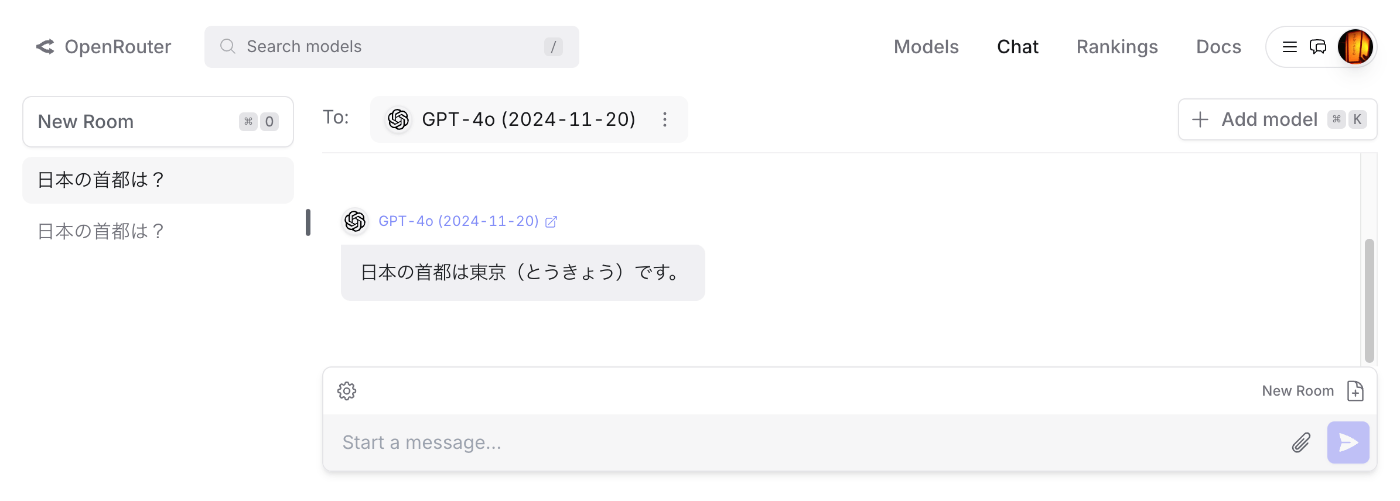
クレジットを購入することで、gpt-4oなども使用することができました。
また、LlamaIndexと組み合わせて、PythonからOpenRouterを使用することもできました。
https://docs.llamaindex.ai/en/stable/api_reference/llms/openrouter/
OpenRouterでAPIキーを発行後、以下のようなスクリプトにより実行できました。
以下は、モデルMeta: Llama 3.2 1B Instruct (free)を使用した例です。
以下は、モデルOpenAI: GPT-4o (2024-11-20)を使用した例です。modelのみを変更することで、共通のスクリプトを利用することができました。
モデルの名前は、以下のページなどで見つけることができました。
https://openrouter.ai/meta-llama/llama-3.2-1b-instruct:free
LiteLLM
以下のように説明されていました。
LLM Gateway to manage authentication, loadbalancing, and spend tracking across 100+ LLMs. All in the OpenAI format.
以下に、LiteLLMからOpenRouterを使用する方法が記載されています。
https://docs.litellm.ai/docs/providers/openrouter
以下のようなコードにより、実行することができました。
まとめ
今回あげたツールの違いを十分に理解できておらず、また他に有用なツールが数多く存在するかと思いますが、LLM周辺のツールの理解にあたり、本記事が参考になりましたら幸いです。